Getting the most out of your Online Auctions!

Welcome to the Auction Flex Integrated Web Service. The following guide is designed to provide initial support and advice for getting started with the Integrated Web Service.
In this overview, we will discuss how to get started with the IWS and the best route to take in order to bring internet bidders to your auctions. Please make sure you have a website up and running in order for the custom links to properly work with your home page.
Step One - Your Custom Links
Upon receiving your custom auction links from Auction Flex, use them to create links on your home page (or desired location). Make sure these links are set up by a web administrator familiar with your site. Once complete, the transition from your home page your hosted auctions on our site will be nearly seamless. The integrated look will give the feel that the auction is all inclusive on your website.
Step Two - Proper Internet Cataloging
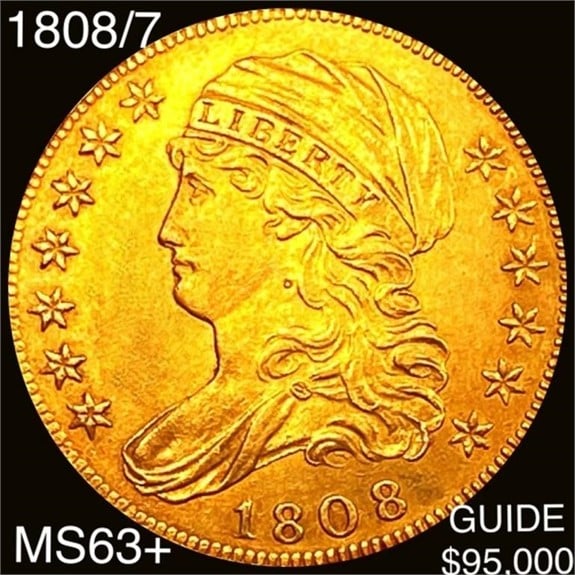
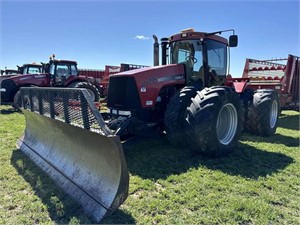
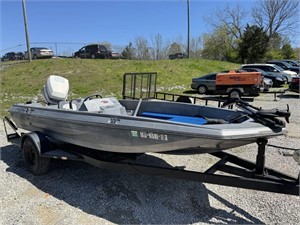
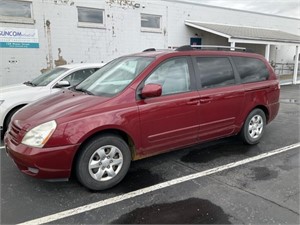
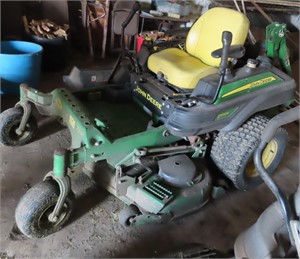
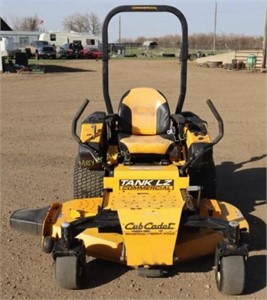
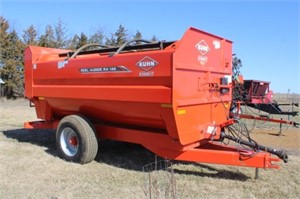
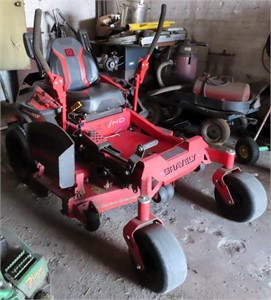
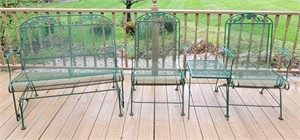
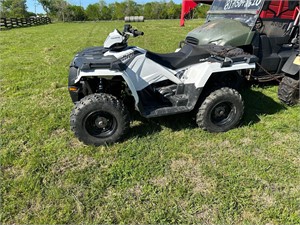
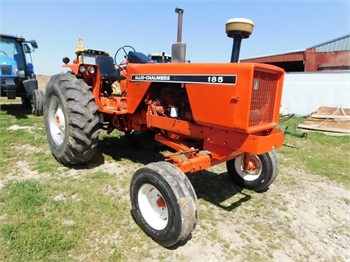
With the website setup complete, the next step would be generating your catalog and images for this upcoming auction. It is very important to properly catalog these online items as bidders will rely on your descriptions and images to tell the full story of the item. Multiple images per lot is not only helpful, but highly recommended. Detailed pictures will help your bidders feel comfortable with the item they are interested in and in-turn, increase the likelihood of that bidder placing an online bid.
Step Three - Advertising, Advertising, Advertising
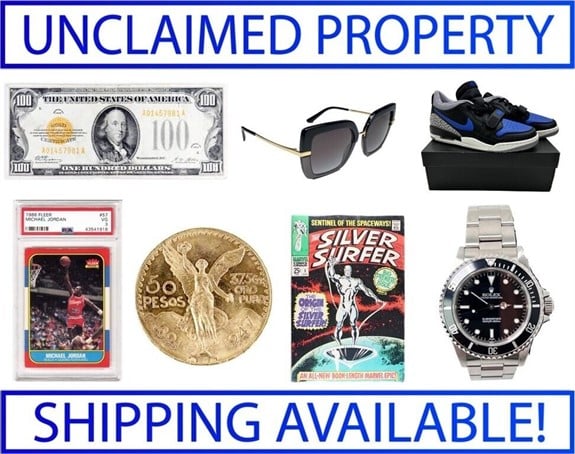
Advertising is the most important step in conducting online auctions. As a company, you absolutely must get the word out to potential buyers that your auctions are now online and that bidding can commence. The internet is a vast place and without direction, bidders will not know how to find you. It is your job to direct them to your site and in doing so, generate those much needed bids to be successful. Google ads, direct mailers, E-mail blasts, online partners and anything else you can think of will ALWAYS help your online auction outcome. The success of your new online auction venture is directly related to the advertising in place to support it.
Step Four - Uploading the Auction
The next step in this guide is to upload your auction. The process is fully integrated with the Auction Flex program and is very user friendly. After clicking the upload button, a new window will appear with a new set of settings and options. If you are unfamiliar with these new features, please contact the Auction Flex staff for a walk-through. When your auction is ready to upload, simply click *Upload this Auction*. With your advertising in place, the auction will have a good chance of being successful.
Step Five - Bids and Bidders
Finally the bids from your auction will need to be downloaded and applied to the software for clerking and invoicing. The capability to download bids is also completely integrated in the system and with the click of a button, both bidder information and bids are collected by the software. Another click will automatically clerk these items to their respective winners and finally, the invoices can be emailed to the those winning bidders.
Conclusion
Getting started with your new Online Auction venture will take time. Using the steps above, the success rate of these auctions will continually grow. Remember to advertise and remember to fully describe your items. Welcome to the world of Online Auctions!